Now on the App Store$4.99, once
Your whole day, unedited.
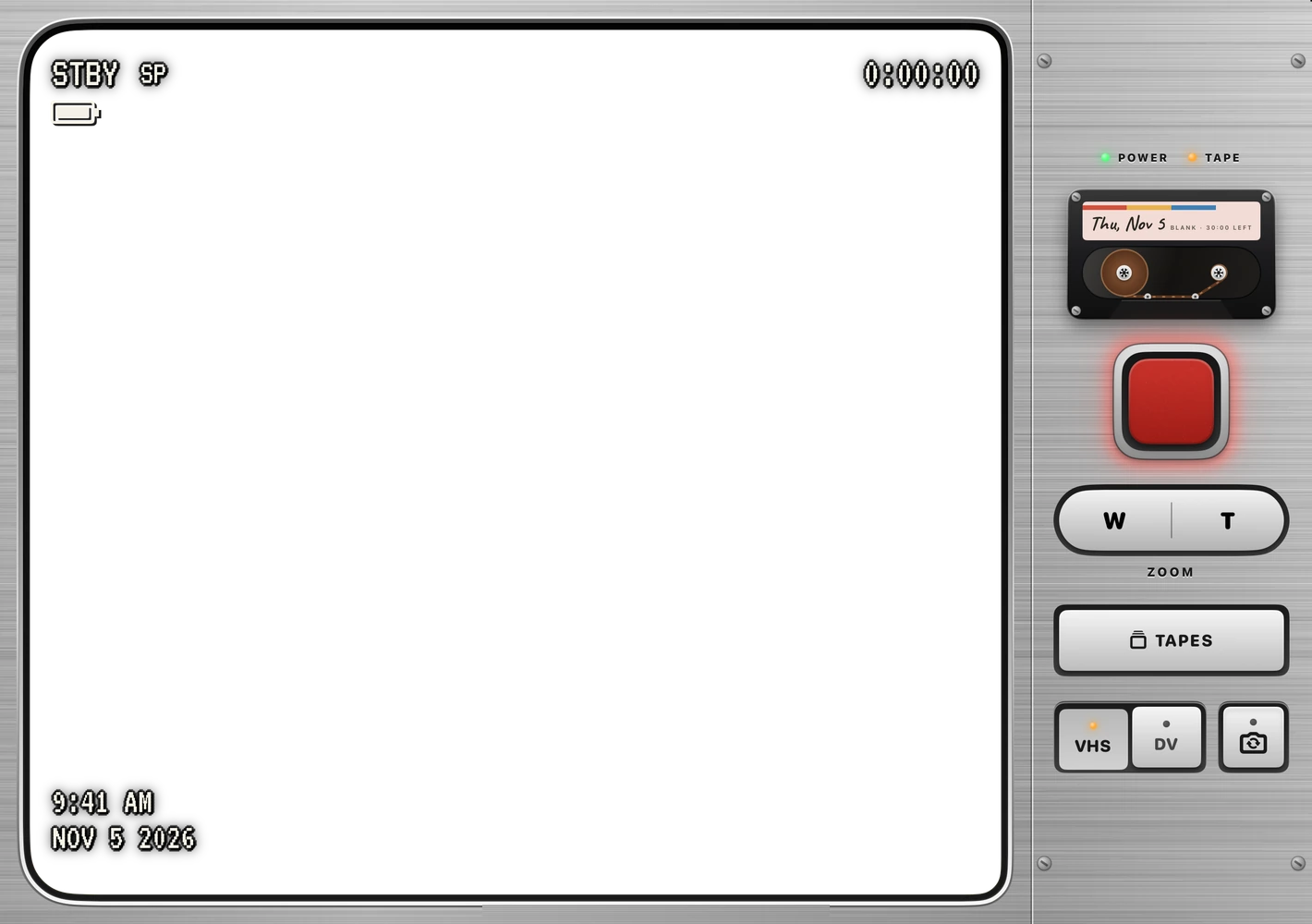
A retro camcorder for iPhone. Flips stop at 20 seconds, or set No limit, and today’s tape holds 30 minutes. Clean HD, up to 1080p, kept on your phone. Change the look any time.
Power
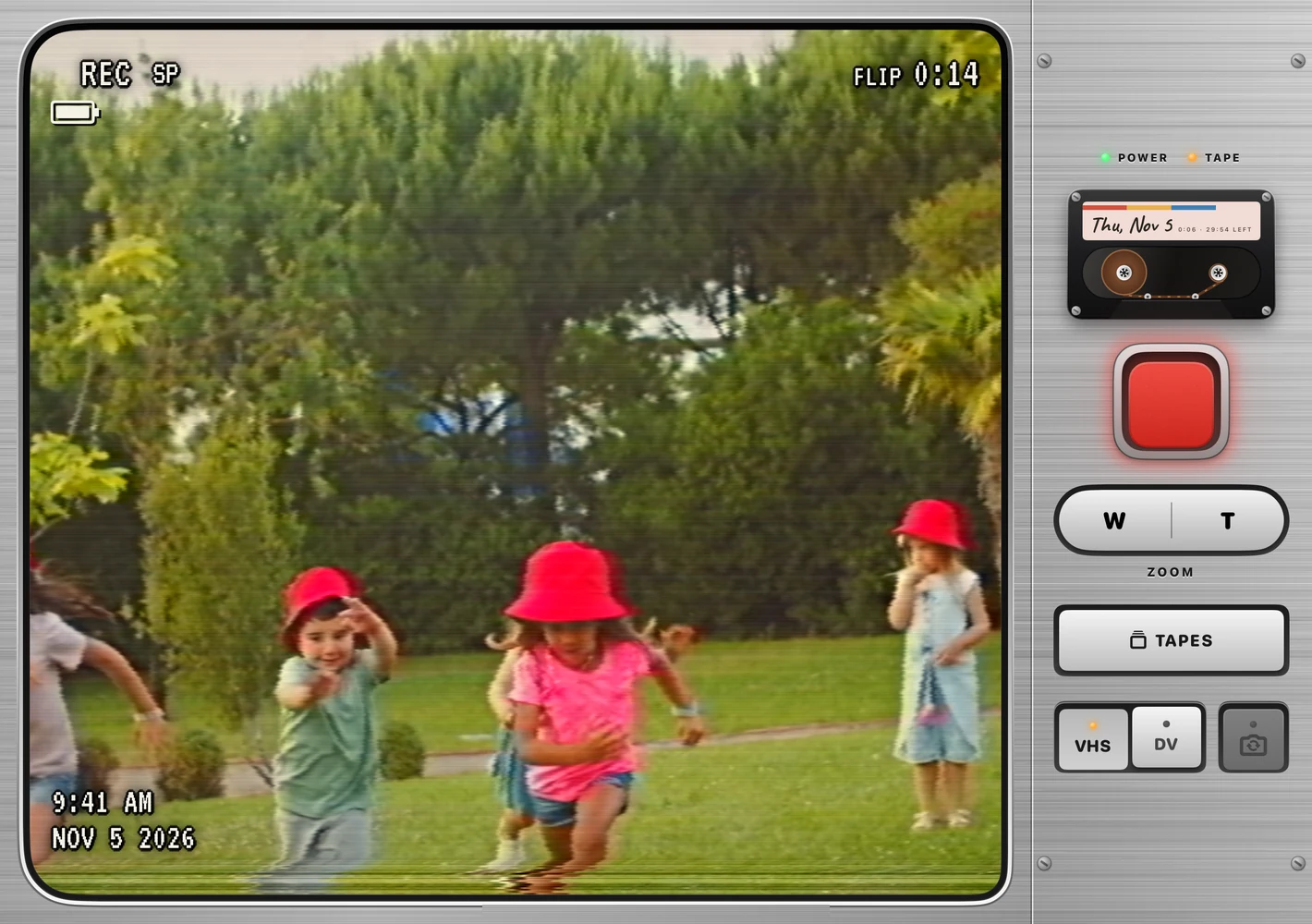
Unfold it. It’s on.
On iPhone Duo, the lens cap spins off and the iris opens with the hinge. On any other iPhone, press the glowing POWER key.
Flip
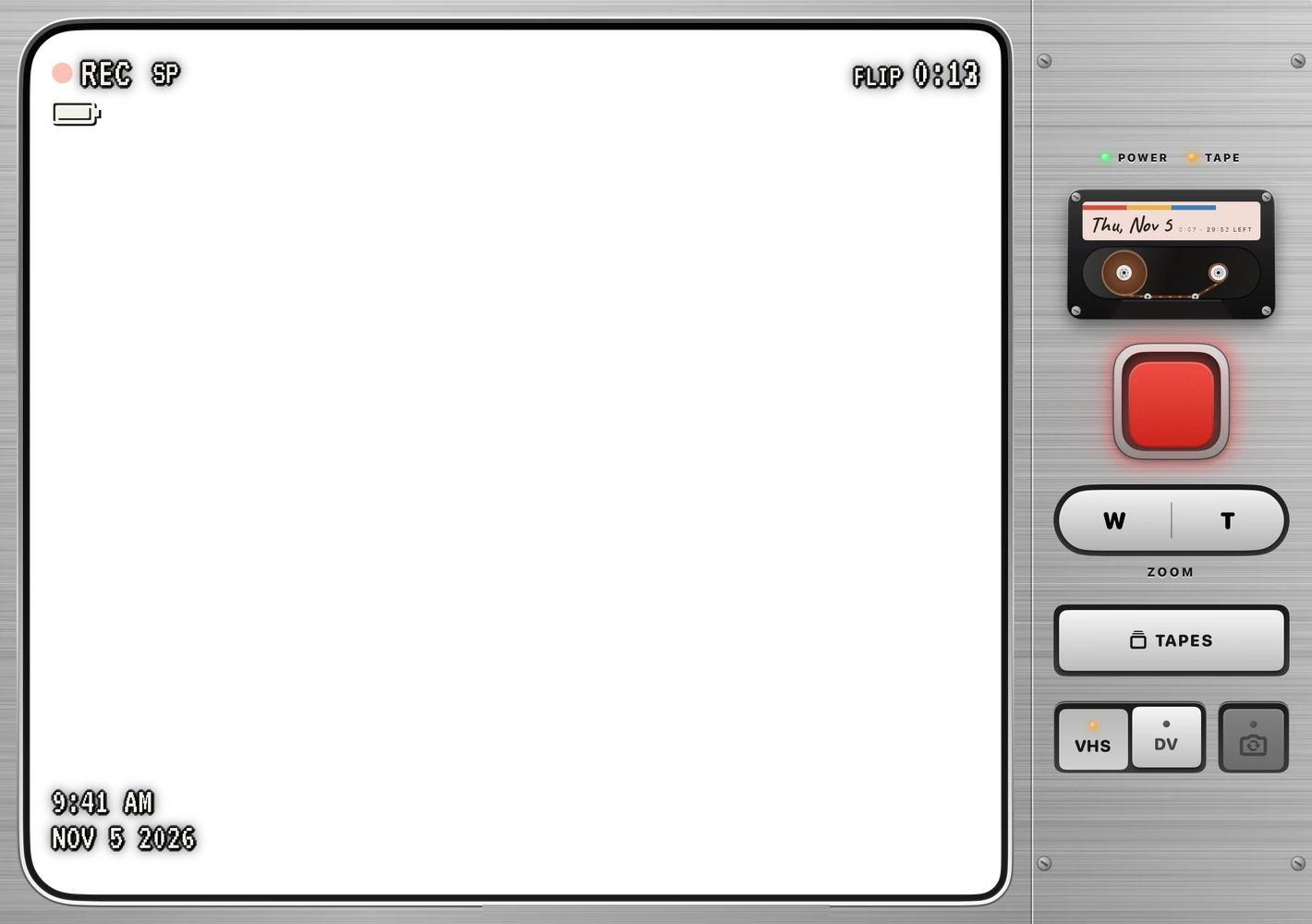
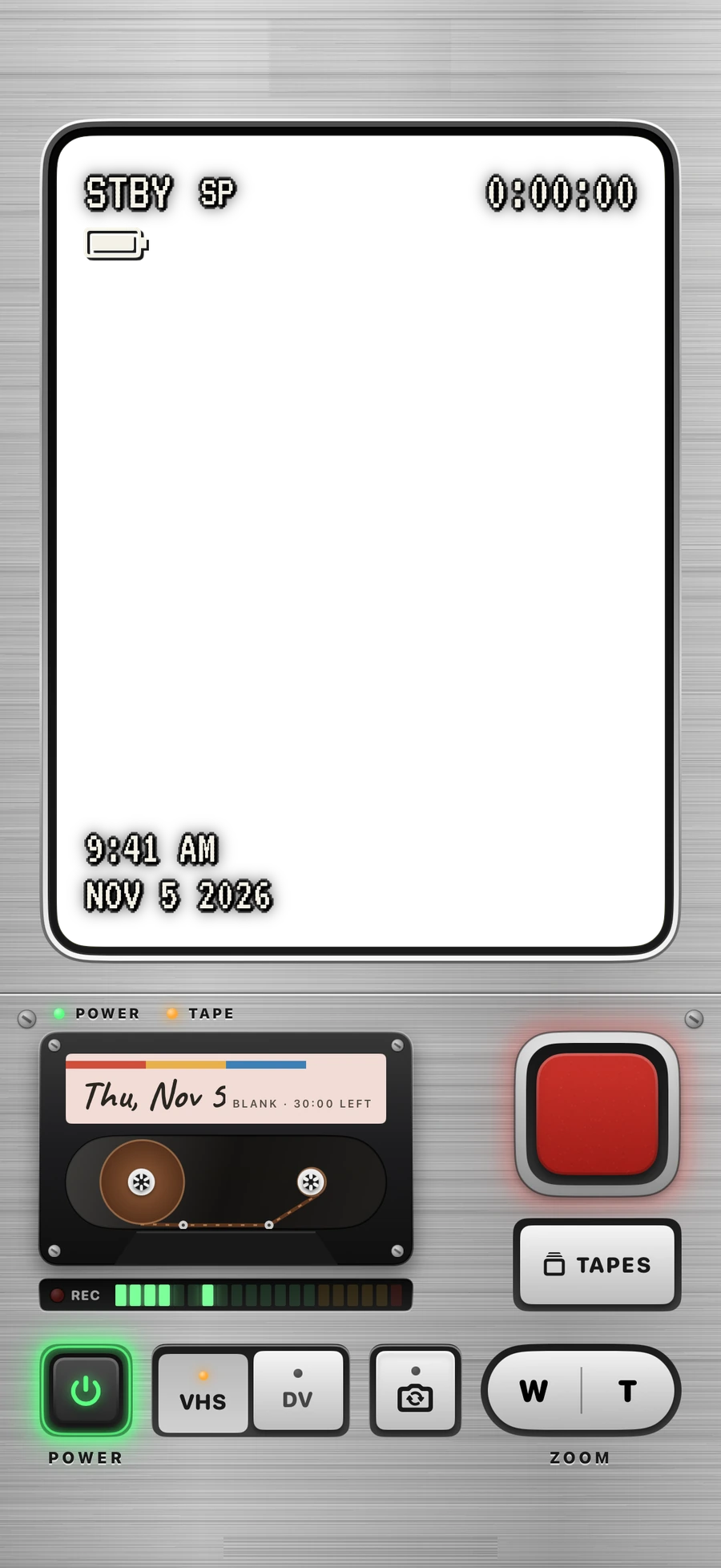
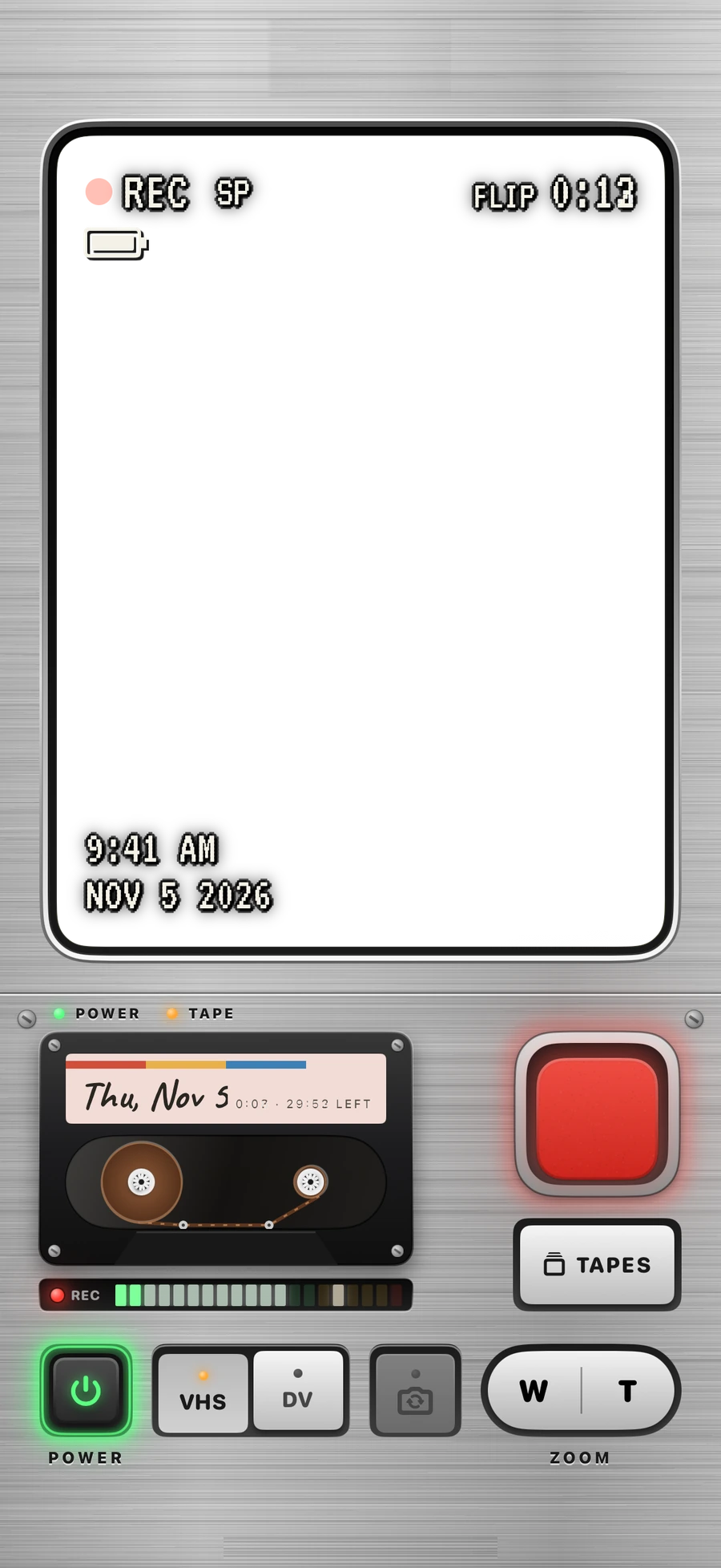
Flip. Press the big red key.
By default it stops by itself at 20 seconds, with a quiet countdown.
Outer screen
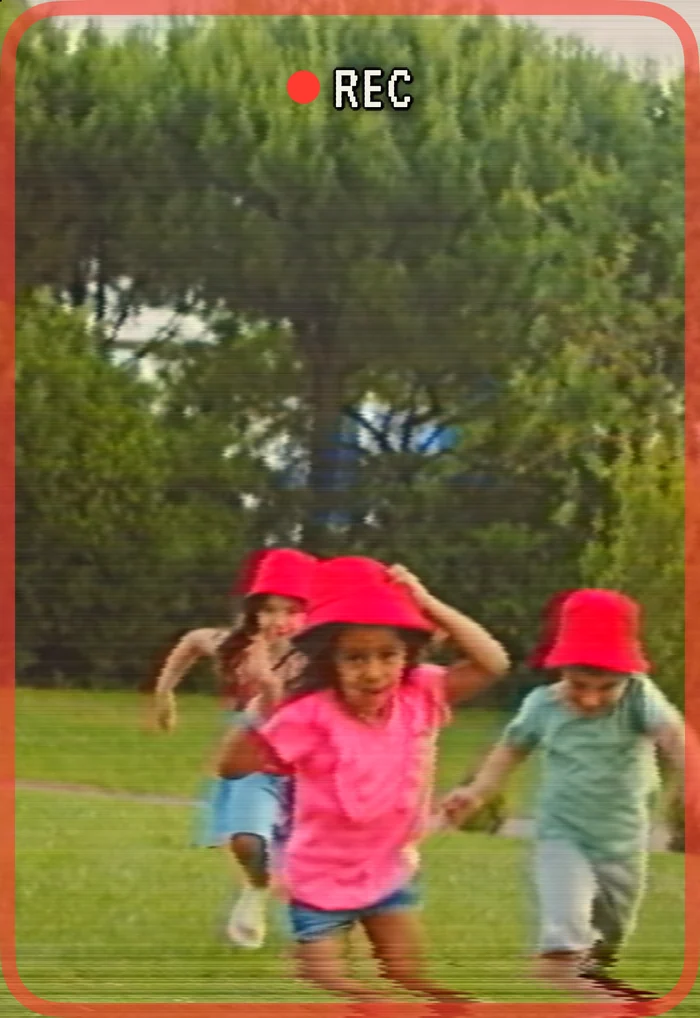
They see the shot too.
On iPhone Duo, the person you’re filming sees themselves on the outside screen, in the same retro look, with a REC light so they know when to wave.
Half open
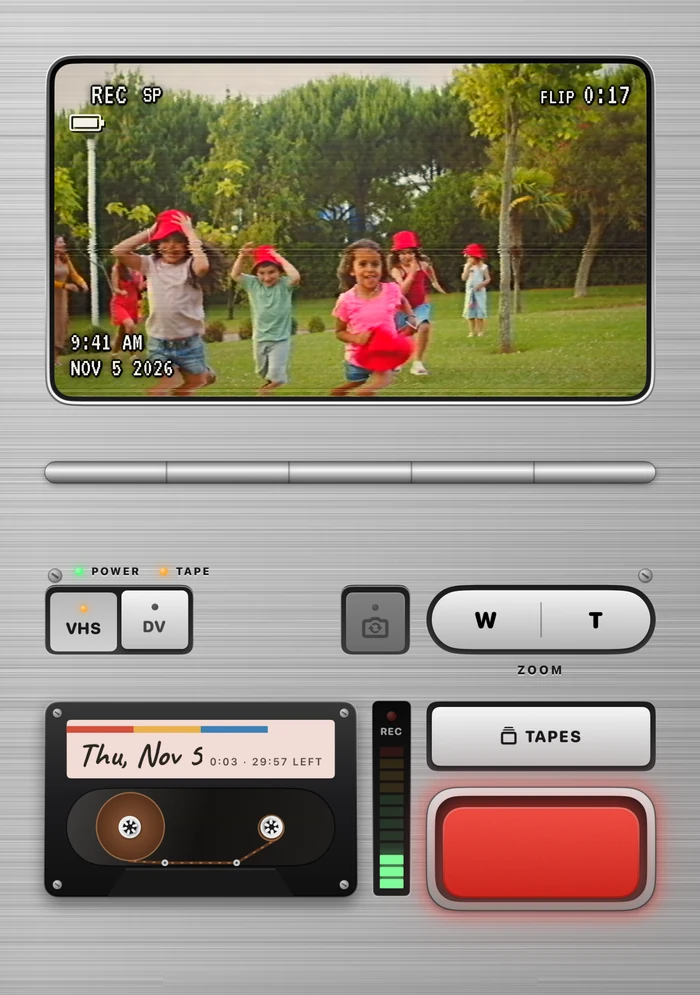
Stand it on a table.
Half open like a laptop on iPhone Duo, the picture sits on top and the deck below, with no key on the fold.
Stop
Close it. Your flip is safe.
Close it mid-flip and it’s saved on today’s tape before the camcorder powers down, and the cap goes back on.
Shut
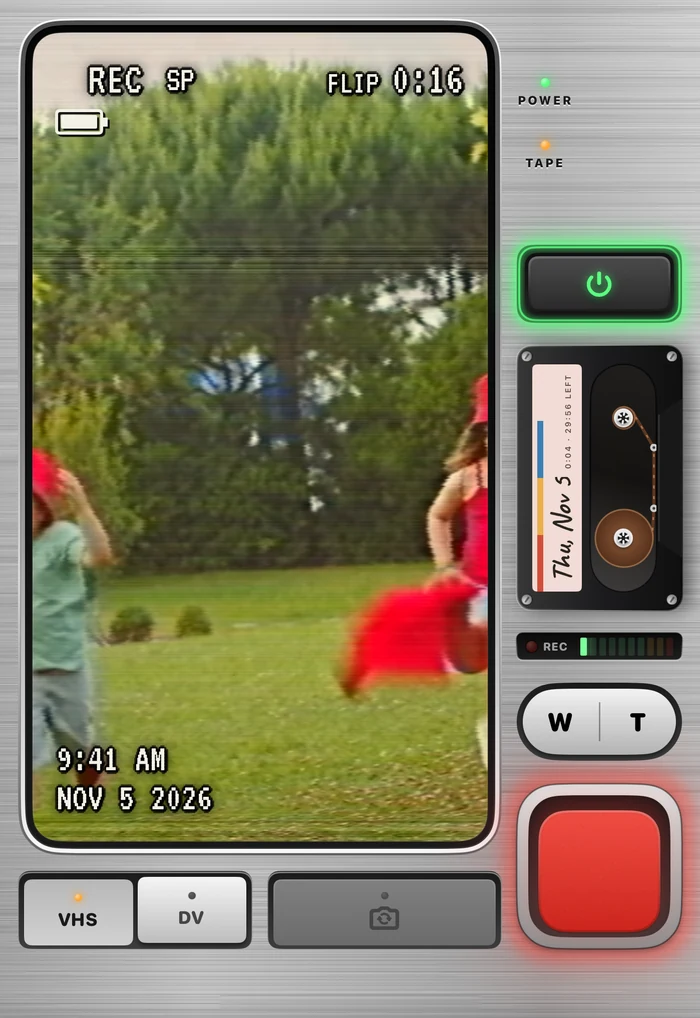
Or film it shut.
On iPhone Duo, flick the lens cap off and the outer screen is a camcorder too, with the back camera.
From the App Store
In their own words.
Reached #1 in Top Paid, Photo & Video, in 17 countries’ App Stores, and #3 in the US. .
-
5 out of 5 stars
I adore this app
Gonna try to leave a more thoughtful review later— deleted my first one on accident, but man I love this app. To whoever made this, thank you so much for brightening my life, one of the best purchases I’ve done, excited to see what all you do next.
WhittyWhiskers · App Store review, US · -
5 out of 5 stars
It’s such a fun experience
I’m having such fun with recording all sorts of random shorts…
Hello, I’m Jeffrey · App Store review, Netherlands · -
5 out of 5 stars
Great app, two things…
First off, I love it, the whole concept, pushing us to capture our life in a new way… Again, really awesome app…
Cpt Rod · App Store review, US · -
5 out of 5 stars
Back in the 90s
I used to live with a VHS camcorder attached to me… I love the way this turns the sequential recordings into a video journal, and allows you to relive your days as tapes.
Nannini · App Store review, US · -
5 out of 5 stars
Love the retro vibe.
Feels like the 90s are back in the best way possible! Love that I can create a storyline of my day… And I’m in love with the outcome of today!
sanne-1989 · App Store review, Netherlands · -
5 out of 5 stars
Flipcorder is the best of all
Having used many Camcorder apps, I can honestly say that Flipcorder is the best…
Scotland Bhoy · App Store review, UK · -
5 out of 5 stars
Fun app!
Great way to encapsulate a day with a cool retro feel.
SKMinNC · App Store review, US ·
What it is
The chatter stays in.
Flipcorder is for catching small moments through your day. There is no editing and nothing gets removed. The chatter, the pauses, you fumbling for the stop button: it all stays in. At the end of the day you get one raw film of your day to save or share.
-
Catch small moments
Press record whenever something is worth keeping. A flip ends by itself at 20 seconds, or set Flip length to No limit in settings.
-
Nothing is edited or removed
No trimming, no cutting, no importing. Every flip goes onto that day’s tape in the order you filmed it, mistakes included.
-
One raw film, tonight
Save the day’s tape to Photos as one film, and share it with a friend, a group chat, or wherever you like to post.
The VHS or MiniDV look sits on top and is never baked into your flips, so change it whenever you like, or save the clean HD original with no look on it at all.
Who it’s for
Made for whoever’s filming.
-
Families and pet people
The zoo trip, the first steps, the cat at 6 am. All of it on one tape, the chatter left in.
-
Anyone who grew up with a camcorder
The viewfinder, the REC light, the date on the label. In VHS or MiniDV, drawn on top, so you can always save the clean HD original.
-
Photographers and filmmakers
A small kit: a 20-second flip by default, no trimming, one tape a day. The limits are the fun.
-
Anyone who’d rather notice their day than perform it
No feed, no likes, no account. Reminders only if you turn them on.
Not a video editor: there’s no trimming or music.
VHS or MiniDV
Change the look whenever you like.
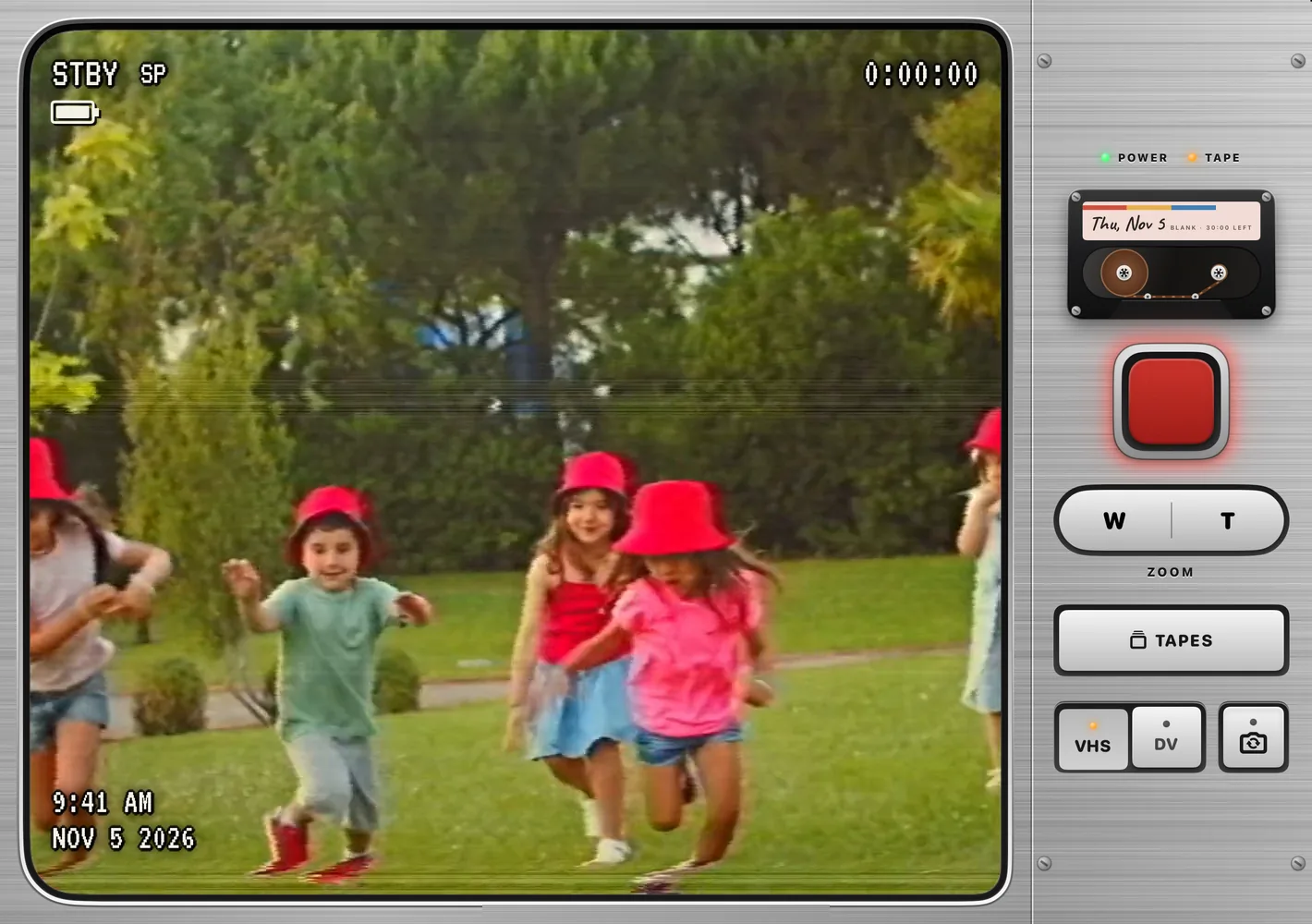
Flipcorder films clean HD video. The VHS or MiniDV look is drawn on top as you film and play, never baked into your flips, so a tape can be either look, or saved as the clean original. Play it and switch while it runs.
VHS: softer and warmer, with color that bleeds, a tracking glitch that rolls through the picture and a white date stamp. Without script this tape plays in the VHS look only.
Good questions
Three things people ask.
-
Only 20 seconds?
That’s the default, not a cap. Set Flip length to No limit in settings and a flip runs until you stop it. Today’s tape holds 30 minutes, however many flips that is.
-
What quality?
Clean HD, up to 1080p at 30 frames a second. That’s the default, or pick smaller 720p files in settings. It all stays on your phone. Nothing is uploaded.
-
Am I stuck with the VHS look?
No. The look is drawn on top as you film and play, never baked into your flips. Switch a tape between VHS and MiniDV any time, or save it as the clean HD original.
$4.99, once
One price. Nothing locked.
Works on any iPhone on iOS 26 or later. The iPhone Duo extras need iOS 27.1.
- No subscription
- No watermark
- No in-app purchases
- No ads
Press it.
How it compares
One price, next to theirs.
- Flipcorder $4.99 once
- 1 Second Everyday$49.99a yearFlipcorder vs 1 Second Everyday
- Rarevision VHS$5.99onceFlipcorder vs Rarevision VHS
- VHS Cam$39.99for lifeFlipcorder vs VHS Cam
- Dazz Cam$19.99once, for ProFlipcorder vs Dazz Cam
Each one links to how it differs: cost, privacy, and how you film. Each shows its one-time price where the App Store sells one, otherwise its yearly price; US App Store prices, each dated on its page.
Yours to keep
Your tapes stay with you.
No accounts, no Flipcorder cloud, no tracking. Your videos stay on your phone until you save or share them.
Videos stay on your phone
-
Kept in the app
Every tape lives inside Flipcorder on your iPhone, one folder for each day.
-
No cloud
There’s no account and no Flipcorder server. Flipcorder never uploads your videos, and they don’t sync to your other devices.
-
In your phone’s backup
They’re included in the backup of your iPhone.
-
Photos, when you choose
Save a tape to Photos whenever you like. After that it’s just a video in Photos.
Off by default. Nothing goes to Photos unless you say so.
If the app ever crashes or freezes, it can send us a report so we can fix it. It also sends usage stats. Both come with a random number for your install, never who you are, never your videos, and one switch in its settings turns them off.
What you get
Six days, saved as tapes.
Each of these is a few short flips through one day, saved as one tape.
-
Picnic in the park
A family day in the park, from 10:12 in the morning to 5:58 pm.
-
Sunday with the cats
A day at home with a black cat and a cream one, from 10:04 in the morning to 6:05 pm.
-
Golden hour at the lake
An evening by the water, from 5:10 pm to the sunset at 7:25 pm.
-
Scout at the park
A collie at the park, from 8:05 in the morning to the sunset at 6:12 pm.
-
Kitten nap day
A kitten asleep through the day, with the time and date stamped on every flip.
-
Zoo day
One Saturday at the zoo, from 10:15 in the morning to a lioness at 4:05 pm, with a white tiger, a lion, giraffes and ostriches on the way.
Why the limits
The limits are the fun.
Twenty seconds is enough to catch a moment and get back to your day. A tape holds 30 minutes.
- Twenty seconds a flip, by default
- Thirty minutes a tape
- No editing: just what you filmed
iPhone Duo
Shut, half open or wide open.
Flipcorder was made for iPhone Duo, and it makes the most of the fold.
-
Film with it shut
Flick the lens cap off or press POWER, and the outer screen is your viewfinder, with the back camera. Open it mid-flip and the flip carries on.
-
Half open on a table
Stand it up like a laptop: the picture sits on top and the deck below, with no key on the fold.
-
It follows the hinge
As you open it, the lens cap spins off and the iris opens with the fold, with a little click at each step.
And on every iPhone, REC flashes the viewfinder’s rim red.
Today’s tape
A 30-minute tape every day.
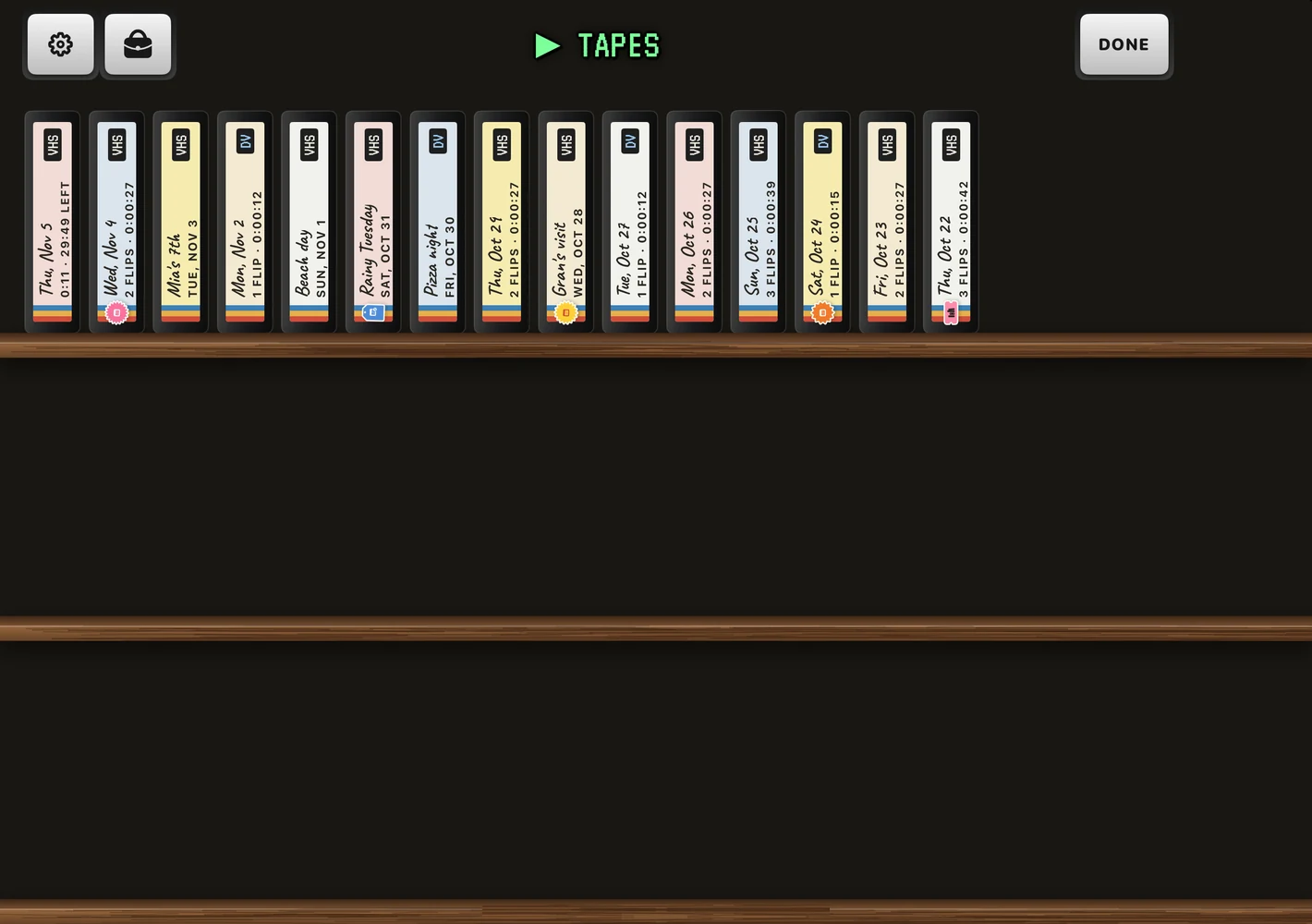
Every day gets its own tape, with a handwritten label, and a fresh one loads every midnight. If today’s tape fills up, a flip that runs into the end is cut short and saved, never lost.
Tap the picture to watch a tape full screen. Every flip keeps the local time where it was filmed, so its date stamp still reads right after a trip.
Pick a tape to play it.
The camcorder bag
Stickers, and a bag to keep them in.
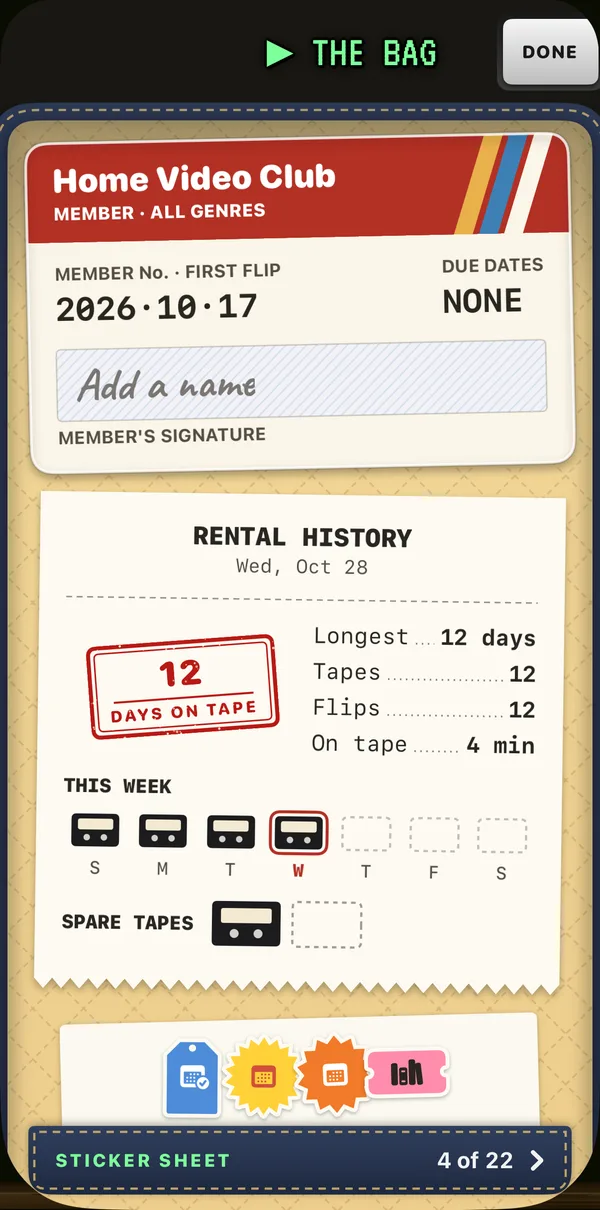
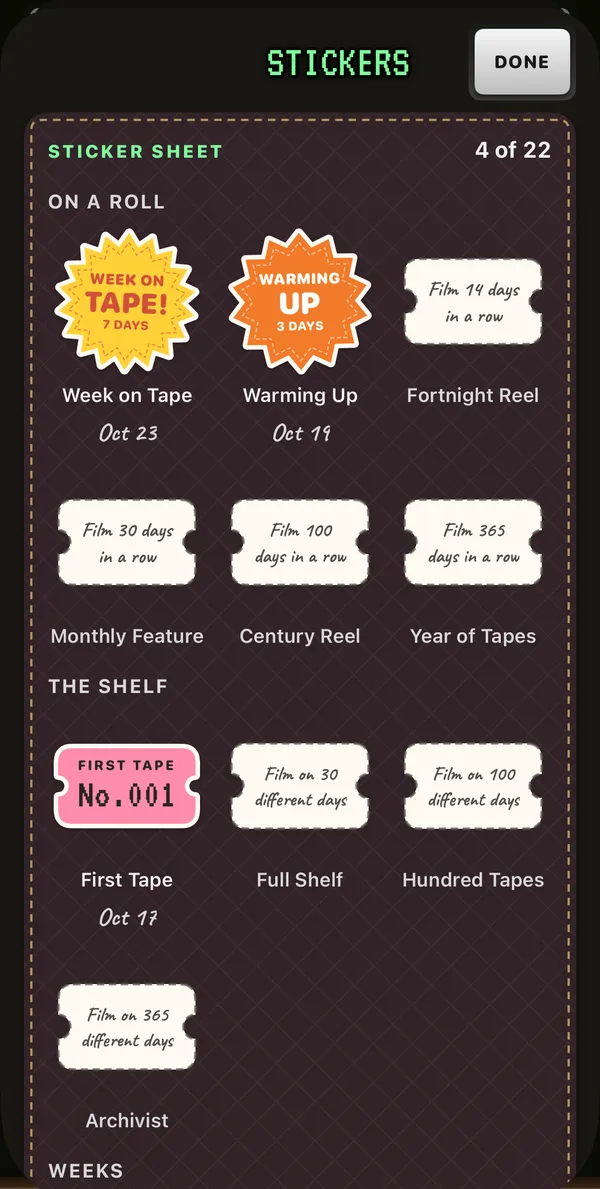
Film and you earn stickers: first flips, full tapes, days on tape, a theme taken, and a few hidden ones. Each is a die-cut label, like the ones on a shop shelf, and it lands on today’s cassette. That tape keeps it.
They live in the camcorder bag, with your Home Video Club card, a torn rental slip with this week on tape, and your spare tapes. The streak is a kind one: a full week of flips earns a spare tape for the odd day off, and Put it in the bag pauses it while you’re away.
Share your bag, your week or a new sticker as a little card, tall or square. Cards never show your footage.
Theme of the day
A theme for every day.
Today’s blank cassette offers a theme. Tap Take the theme and it becomes the tape’s label, and your saved movie’s end card carries it. It’s only an invitation: any flip counts, and you can turn it off in settings.

Widgets
Today’s tape, on your Home Screen.
A widget shows today’s tape as a cassette, with a flip from today in its window. Tap it and the camcorder opens ready to film, or today’s tape opens in the player.
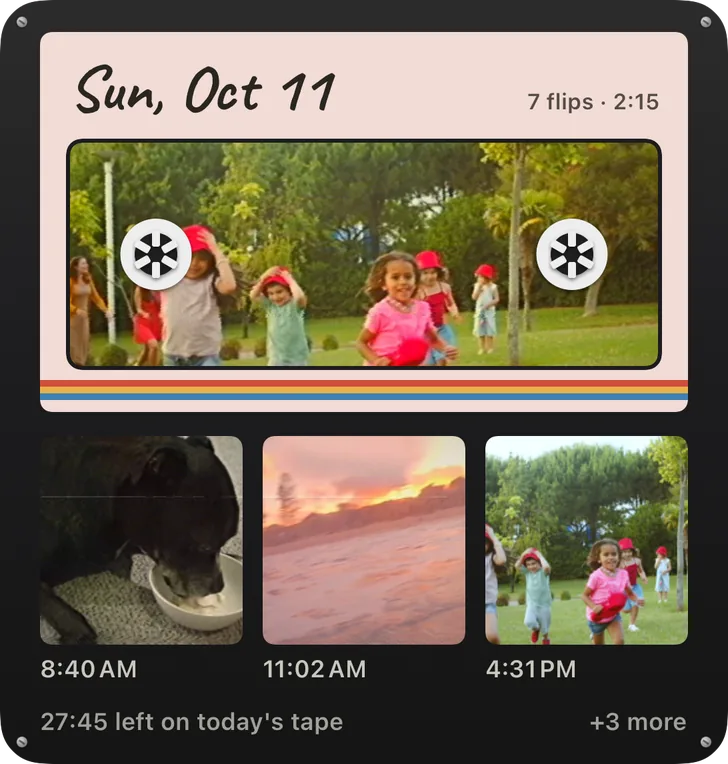
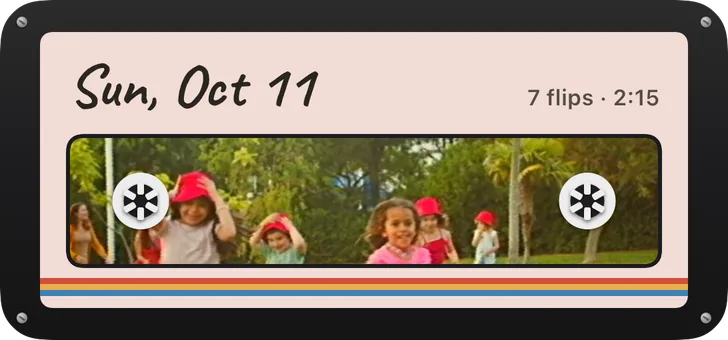
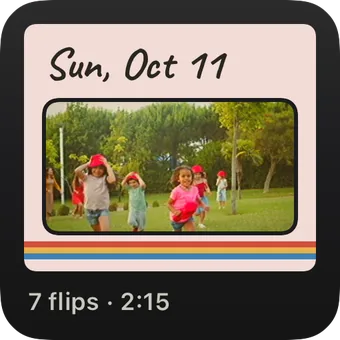
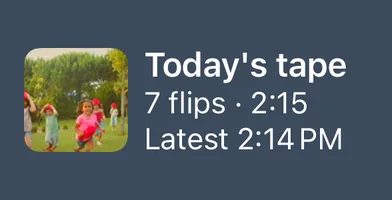
There’s also Streak, for the Home Screen, the Lock Screen and StandBy; This week; and Next sticker, which shows the sticker you’re closest to and how far there is to go.
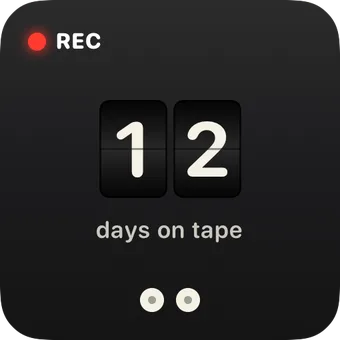
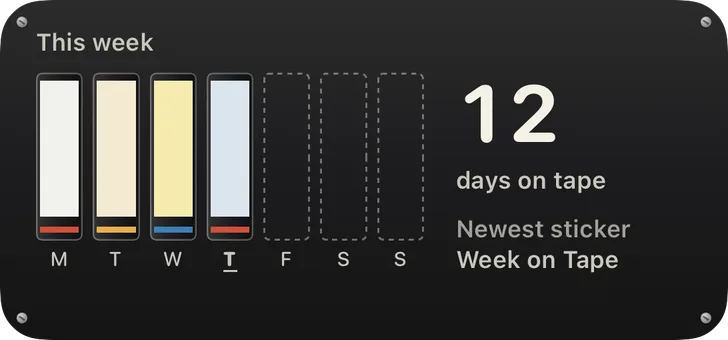
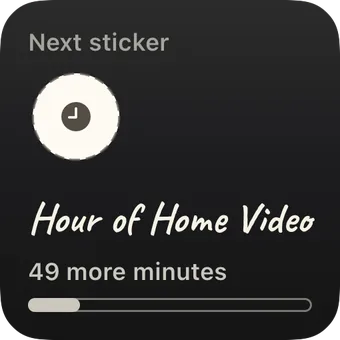
Widgets read only a copy kept on your phone, and “Show flips in widgets” in settings switches the pictures off.
Record
One tap to standby.
Add the Record control to Control Center, the Lock Screen or the Action button. Ask Siri to “Record on Flipcorder.” Or touch and hold the app’s icon and choose Record. Any of them opens the camcorder on today’s tape, ready to go. You still press REC yourself.
Reminders
A nudge, if you want one.
A quiet morning nudge or an afternoon check-in while today’s tape is still blank, and an evening note when it’s ready to play. They’re off until you turn them on, and they never count the days you missed.
Coming later this year
There’s more on the way.
We have lots of cool ideas in the pipeline for later this year. A much more organized and useful library, for when your tapes start to fill up. And an Apple TV app.
Who made it
Hi, I’m Matt.
I’ve built software for other people since 2008, and I started Lotus Apps in 2015. Now I’m going back to my roots and shipping my own apps: quality software that I hope gets people excited.
Flipcorder is the one I wanted for myself. As a dad, I wanted home video that feels real, with the chatter left in, and I wanted to build something for iPhone Duo.
Matt, Lotus Apps, Knoxville, Tennessee. More about me
On the App Store
Film your day. Play it back tonight.
$4.99, once. Works on any iPhone on iOS 26 or later.